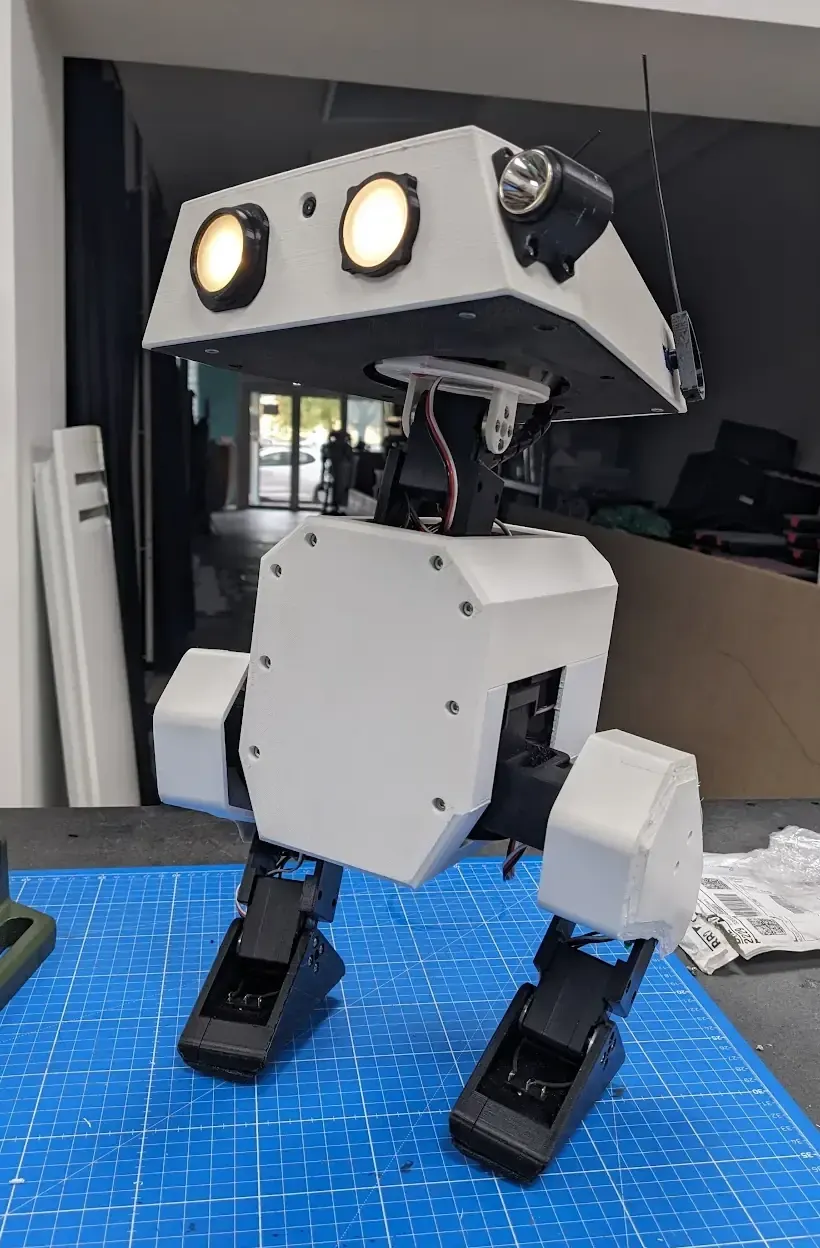
A finished Open Duck Mini — the target for mine (image from the web).
This is a small bipedal walking robot I’m building, based on the open-source Open Duck Mini. Printing, skeleton assembly, soldering, battery power design, and the Linux setup — I did all of it myself. The biggest challenge was the electronics: I had no electronics background, and this project took me from soldering my first board to designing the whole robot’s power system. The skeleton, circuit, and main controller are done; next is connecting the servos and getting it to walk.
The build and its problems in about a minute and a half. The photos and clips are my own (the walking clips at the start and end are official Open Duck Mini videos, apirrone/Open_Duck_Mini, Apache-2.0); the narration is an AI voice (Gemini TTS).
Printing and building the skeleton#
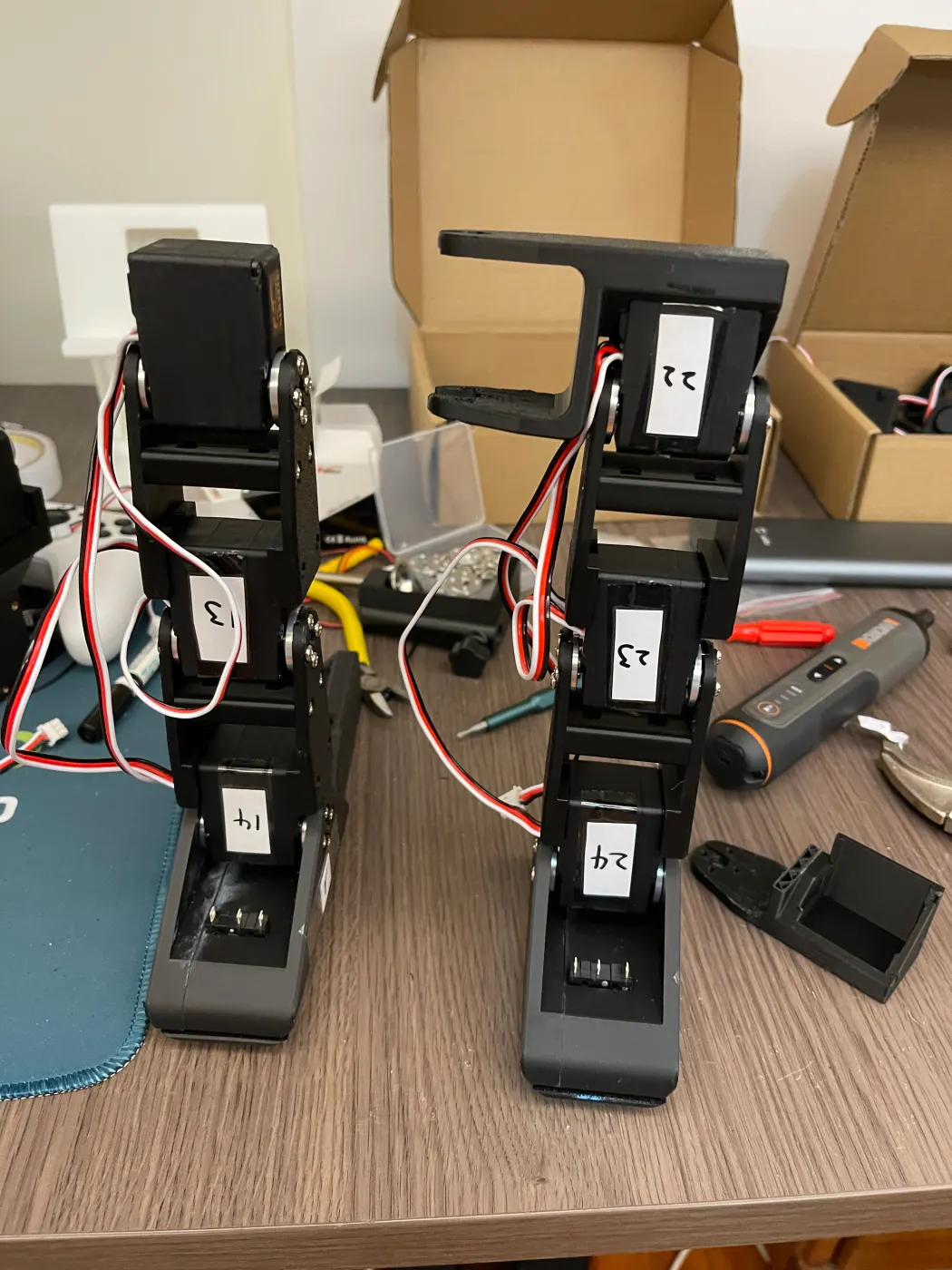
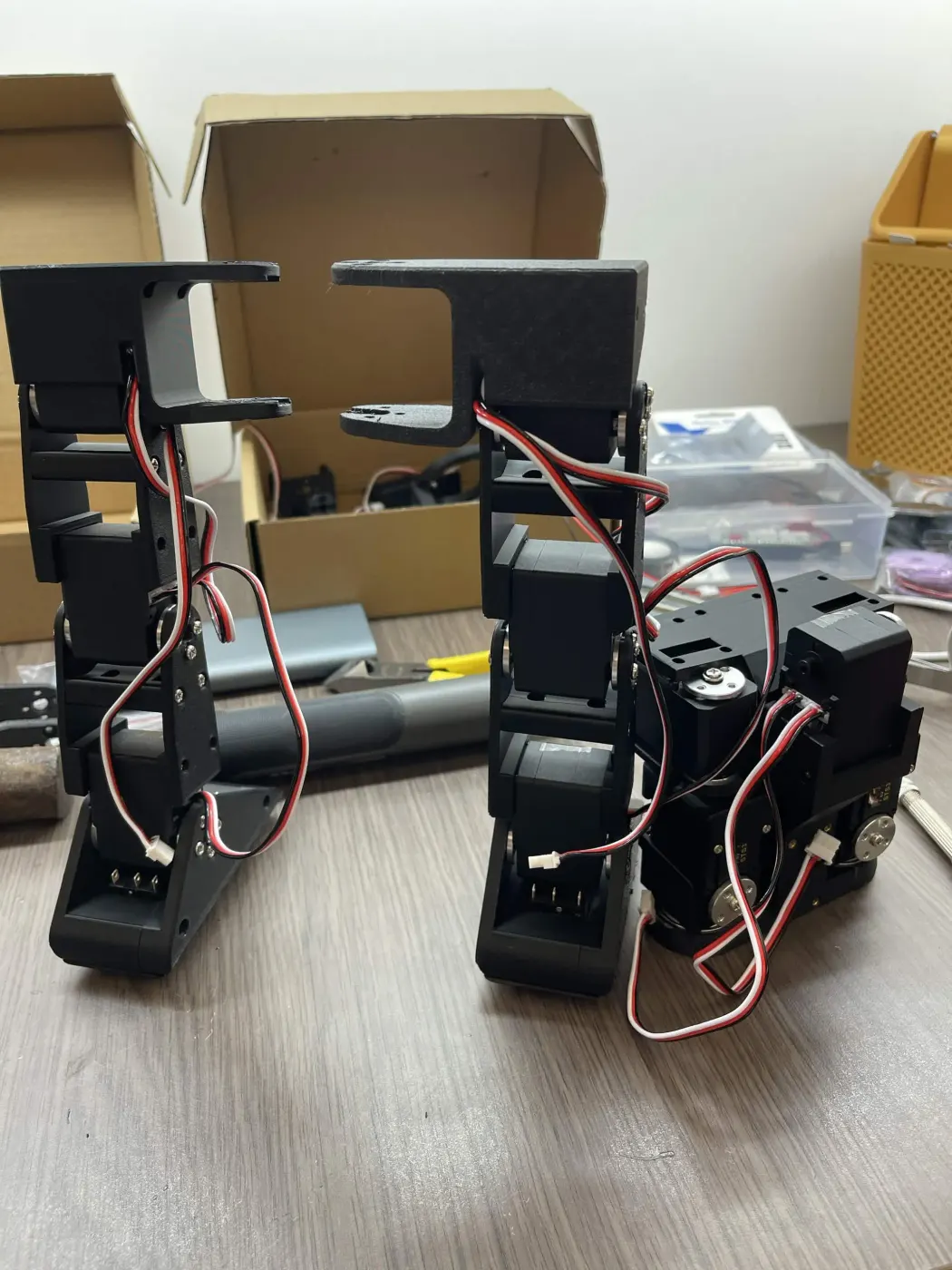
I bought a 3D printer at the end of May and printed the white base and head shell myself. Assembly started in early July, with the Raspberry Pi set up along the way. I calibrated all 14 servos one by one and gave each a hand-written number label so the wiring wouldn’t get mixed up later.
Every servo got a hand-written number; the two legs were built separately first.
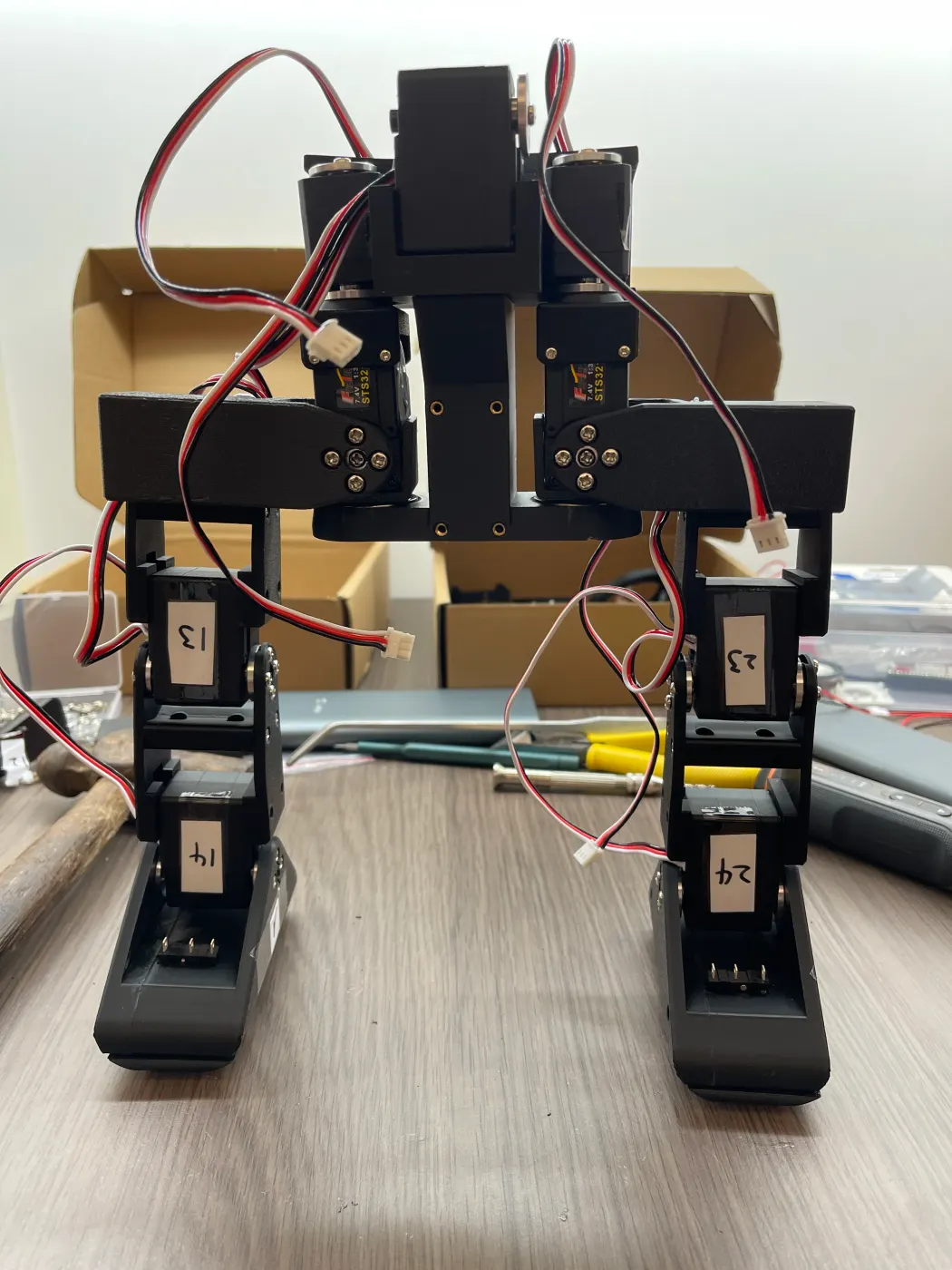
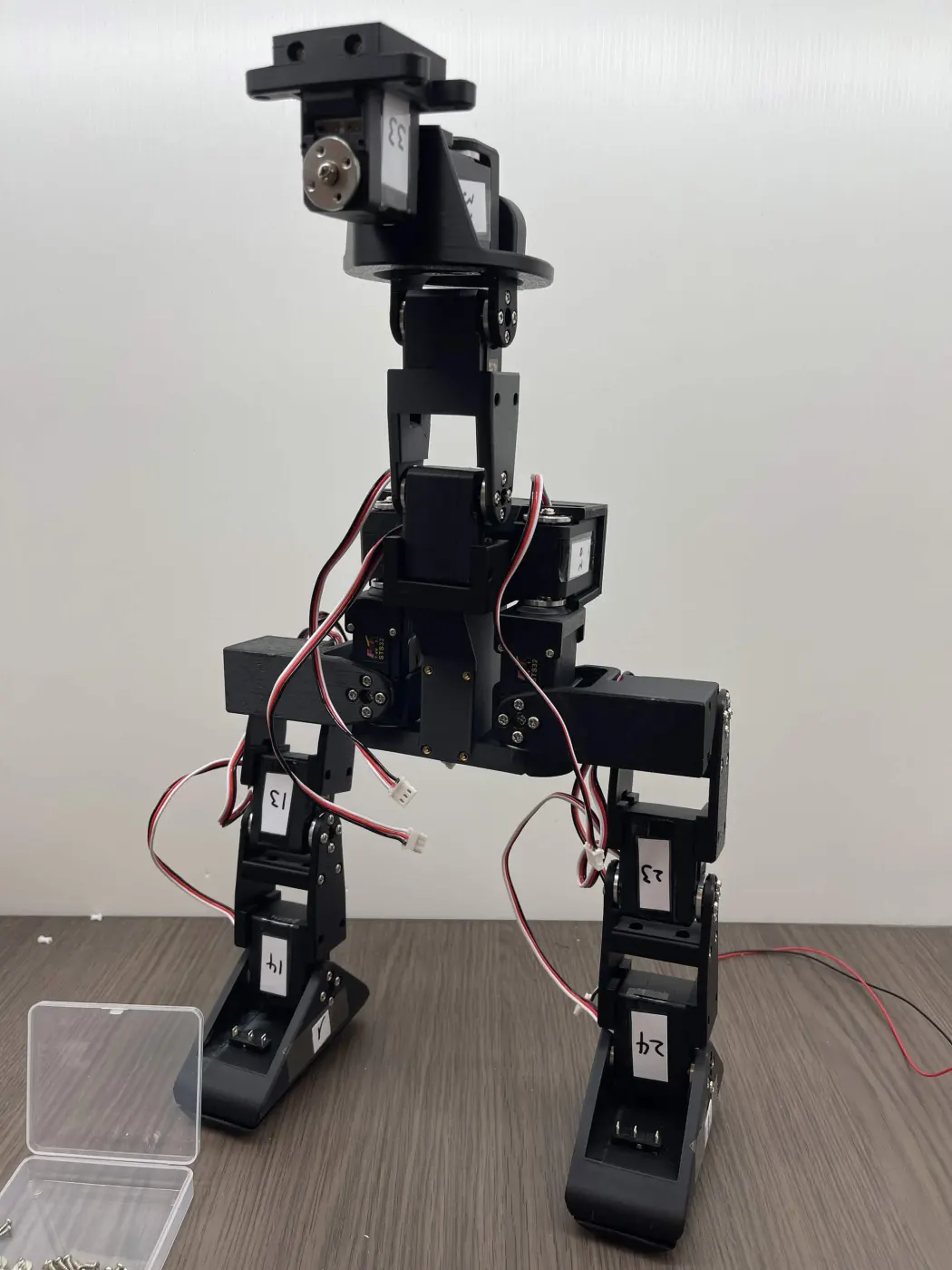
Along the way a part snapped, so I replaced it and kept going; I also caught a right foot mounted backwards and rebuilt the whole leg. From then on I checked each section against the model before moving on. By mid-July the full skeleton was standing.
Legs attached to the torso; by mid-July the whole skeleton stood up.
The biggest challenge: electronics and the battery#
In mid-July I picked up a soldering iron for the first time and soldered the control board.
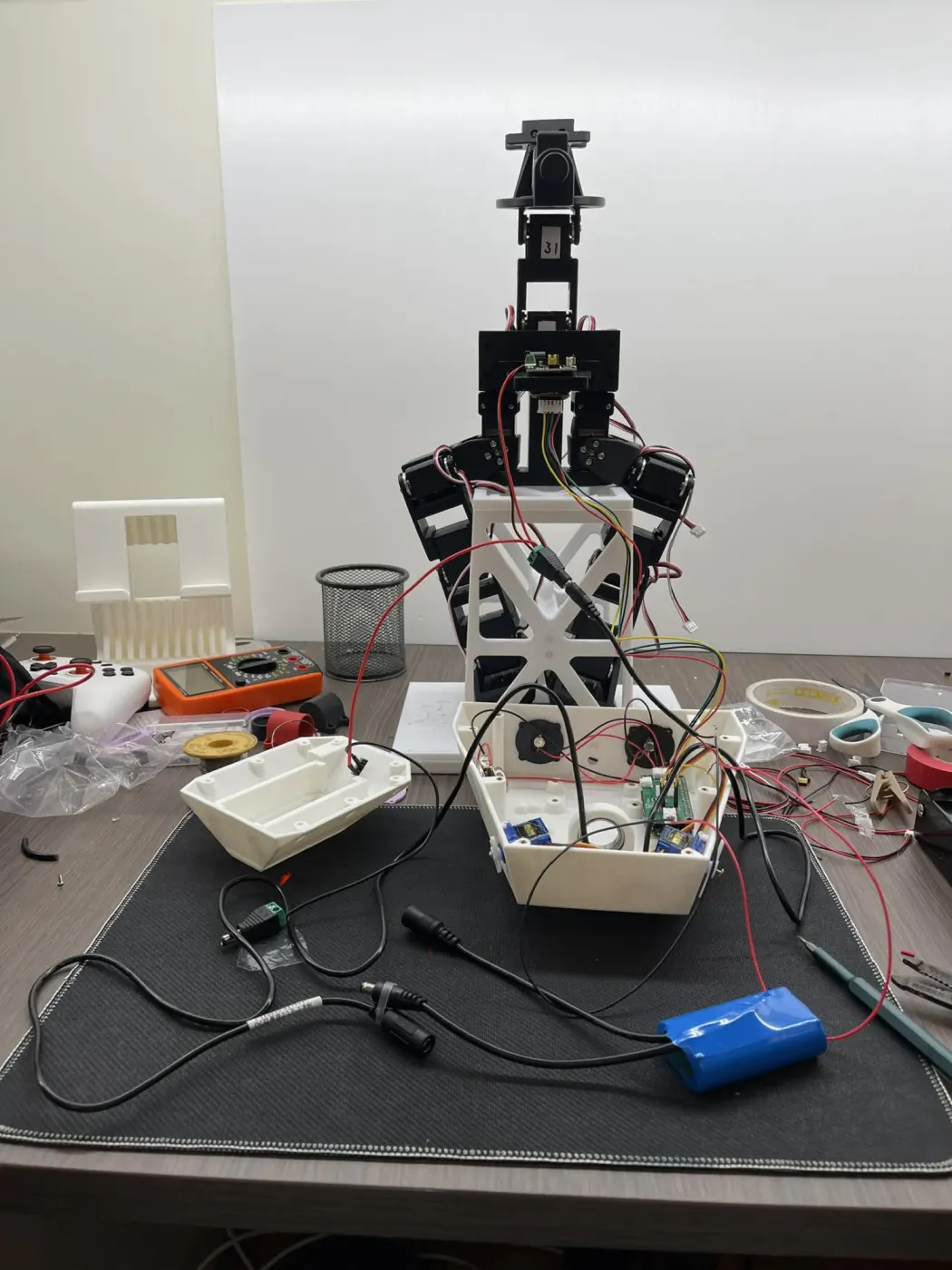
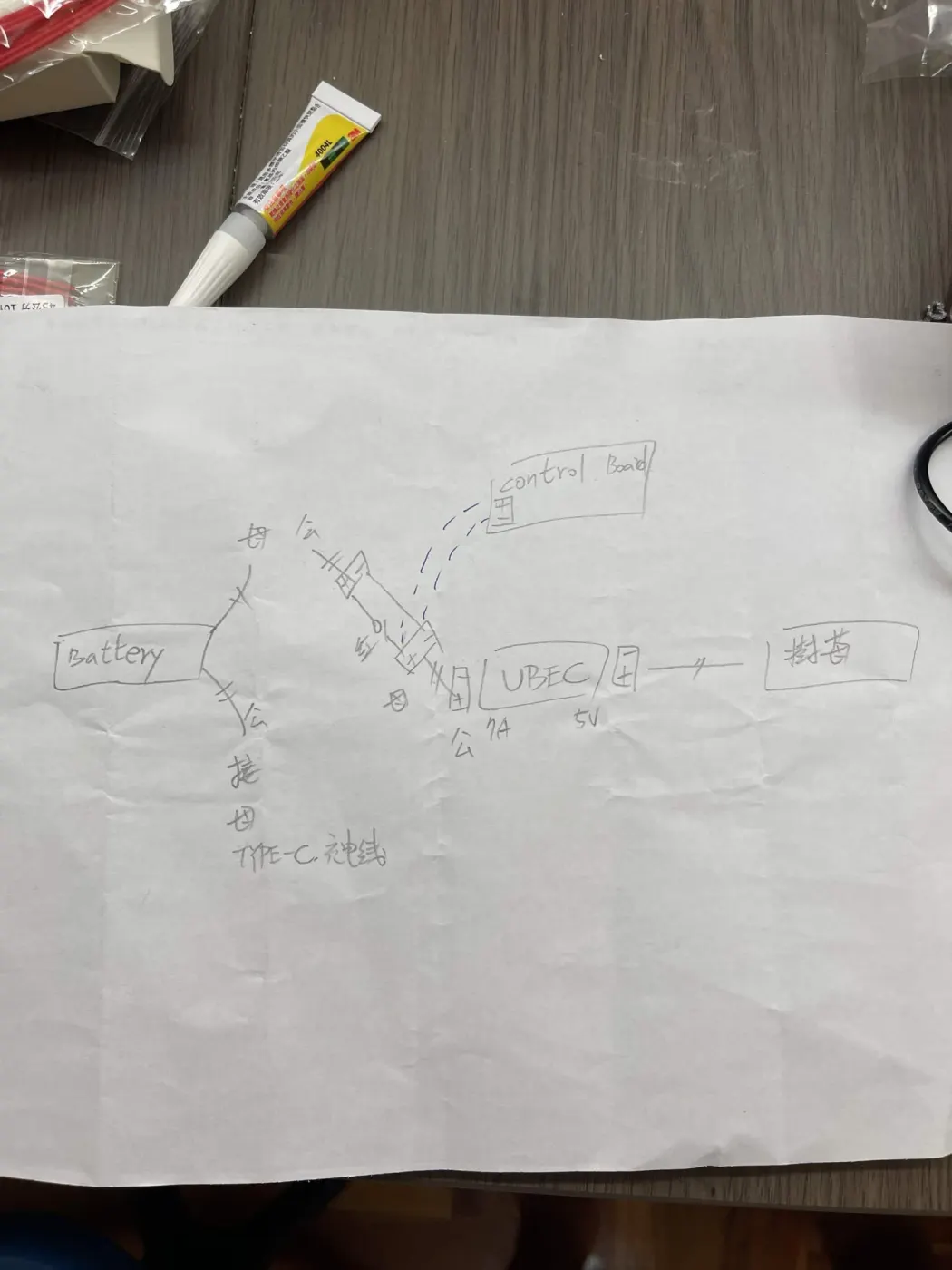
The most exhausting part of the whole project was the battery and the wiring. My battery wasn’t the model in the official BOM, so I couldn’t follow the official wiring as-is and had to design my own battery box and power system; without a circuits background, just working out how one battery could feed both the control board and the Raspberry Pi took real effort. I drew a wiring plan and thought it through before touching anything, and by mid-August the 2S battery power system was done: one branch goes straight to the control board, another goes through a 7A UBEC down to 5V for the Raspberry Pi, plus a separate USB-C charging cable.
On the left, the wiring bench — the multimeter was my best friend through all of this; on the right, my hand-drawn power diagram.
I set myself a fixed routine for wiring: check polarity with the multimeter first, tin every wire before connecting it, and power up only one board at a time. Following it, the very first power-up worked.
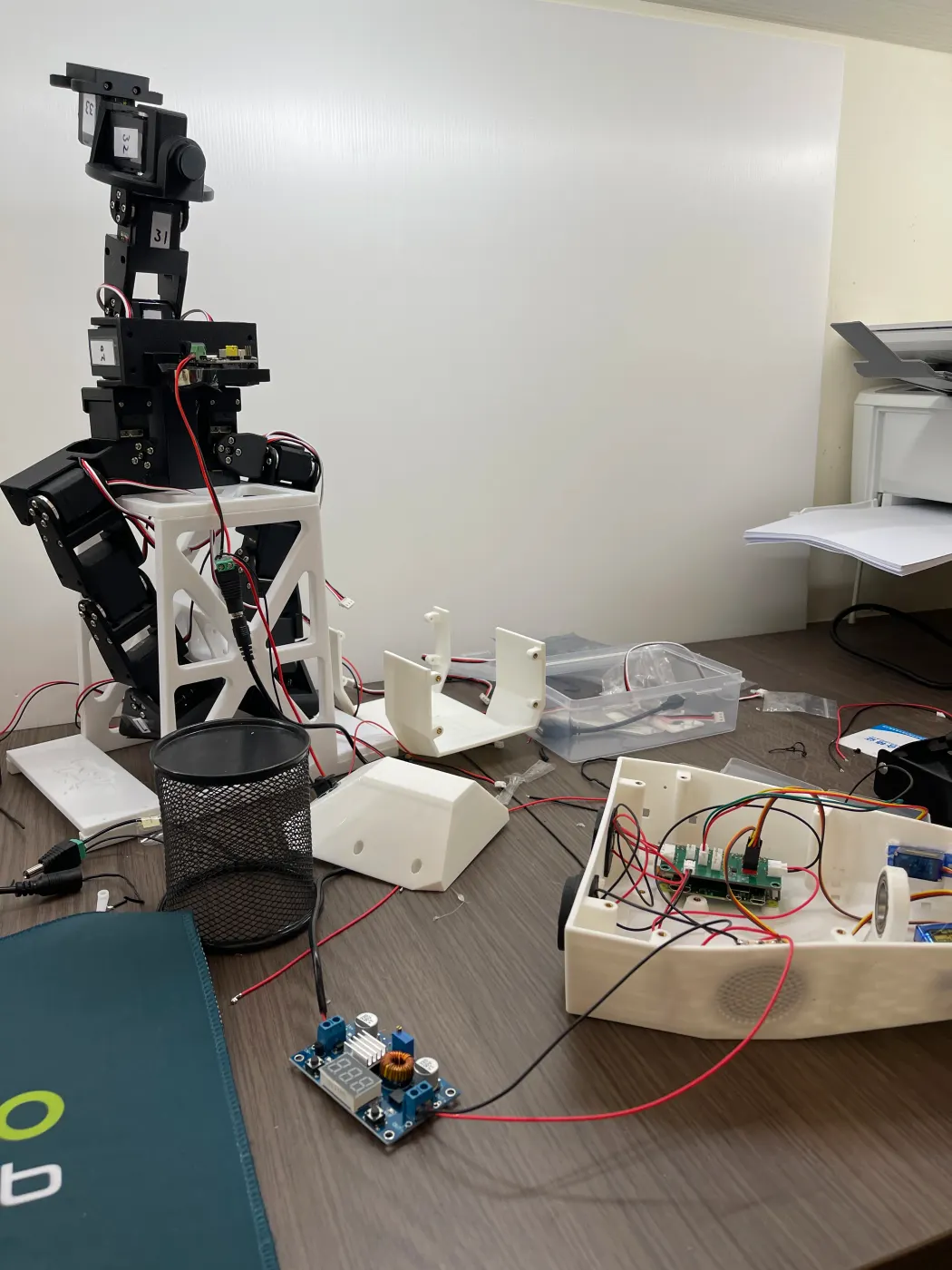
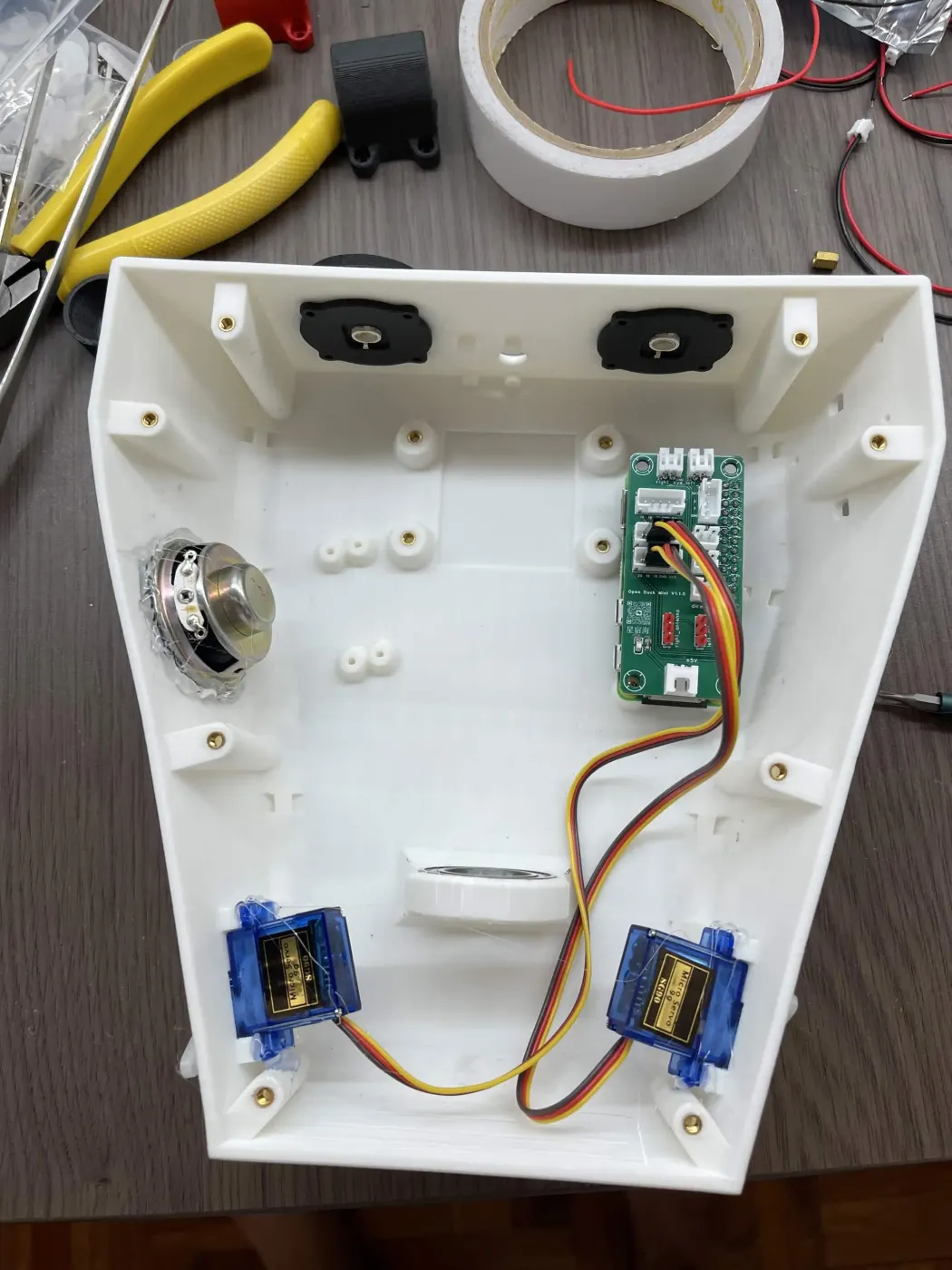
The step-down module and the removed head shell; on the right, the electronics and antenna servos inside the head.
Booting the main controller#
My plan was to finish the stock version first rather than change too much at once. In mid-August the Raspberry Pi Zero 2 W was set up: the expansion board boots on its own battery, and Wi-Fi and remote access both work. By the end of August the runtime environment was installed and the whole “wiring” part of the guide was complete. Since September I’ve also been studying electronics fundamentals systematically, so future circuit work doesn’t rely on trial and error alone.
Later the main controller will move up to a Raspberry Pi 5 (16GB), and the power system will need adjusting to add a 5V branch for it.
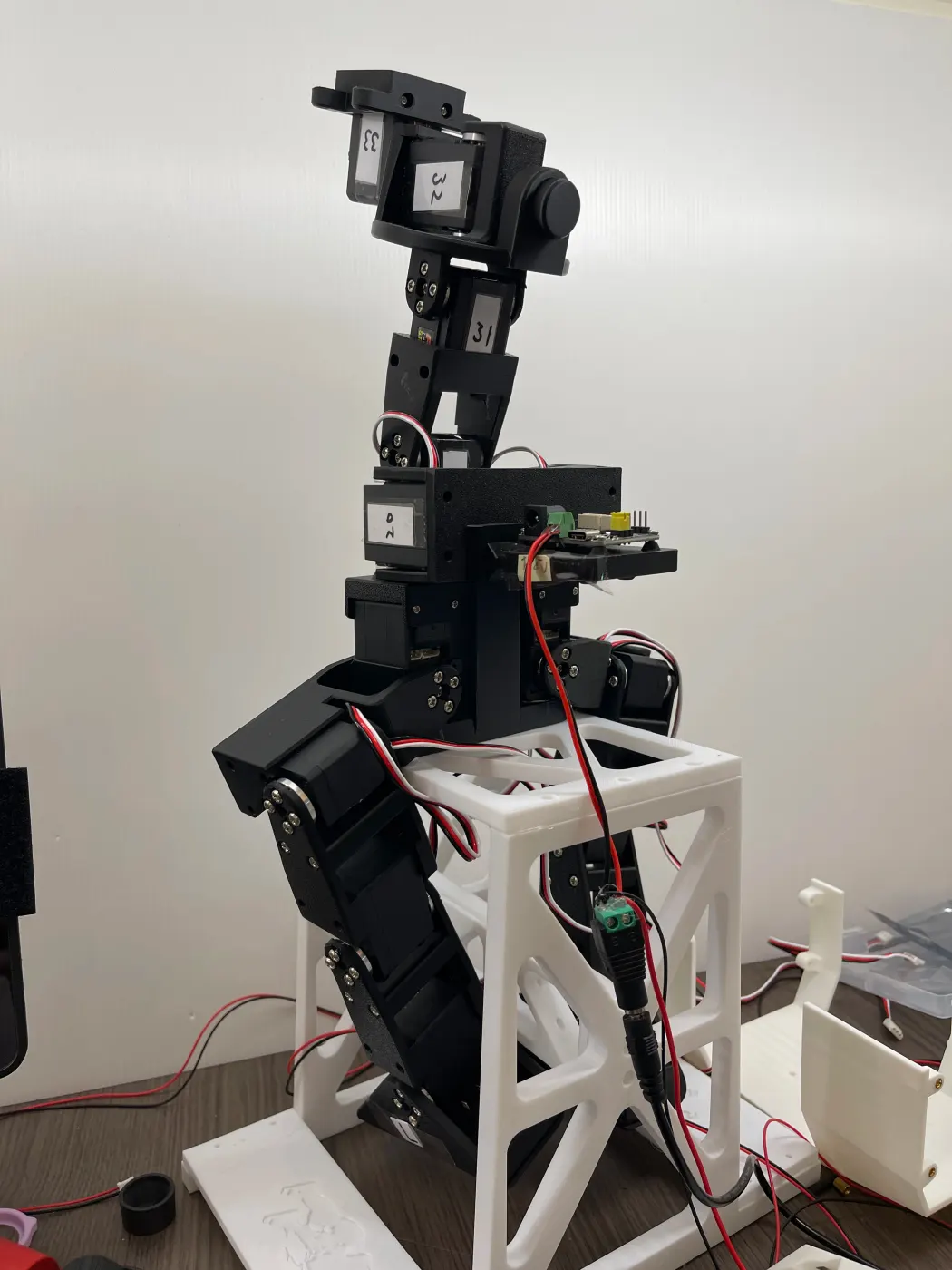
The skeleton on its test stand, ready for the servo cables.
Where it’s headed#
The road ahead:
- Connect all the servo cables, tune each one, then calibrate the full-body pose.
- Load the official RL walking policy and get it walking.
- Upgrade to a Raspberry Pi 5 (16GB), adjust the power system, and add a camera for higher-level tasks and vision.
- Train my own policies in MuJoCo Playground and add the expression features: LED eyes, a speaker, and a microphone.
The official project and its community have already taken this little duck a long way. Here’s what I want to catch up to, step by step.
From simulation to the real robot#
The official team trains in simulation, then runs the same policy on the real robot: on the left is the simulation, on the right a real duck walking with the same policy. That’s the next milestone for mine.
Simulation and hardware walking in sync (source: apirrone/Open_Duck_Mini, Apache-2.0).
Stable walking and push recovery#
With a well-trained policy, the duck doesn’t just walk steadily and move its head as it goes — push it from the side and it adjusts its steps and stays upright.
Left: moving its head while walking; right: recovering from a push (source: apirrone/Open_Duck_Mini, Apache-2.0).
Training my own policies#
The walking policy comes from imitation plus reinforcement learning: first generate reference motions of a “duck-like” walk, then let the policy imitate them in MuJoCo Playground while learning not to fall. I want to follow the same path to train my own gaits — turning, stepping in place, maybe walks with more personality.
Reference motions for imitation learning (source: apirrone/Open_Duck_reference_motion_generator).
RL training in MuJoCo Playground (source: apirrone/Open_Duck_Mini, Apache-2.0).
People all over the world have already built their own Open Duck Minis, each with its own shell colors and design touches. Mine will be one of them.
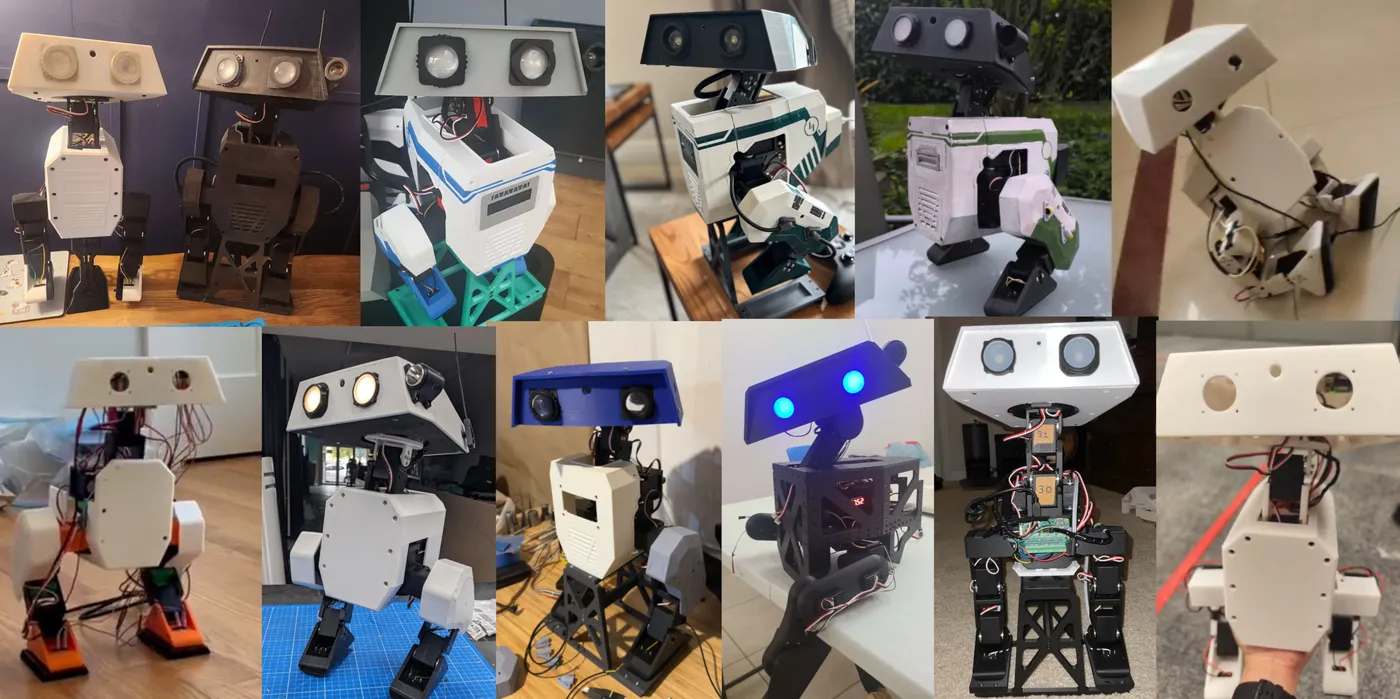
Open Duck Mini community builds (source: apirrone/Open_Duck_Mini).