A dual-arm mobile robot I'm building from parts, based on the open-source XLeRobot. I handled the 3D printing, mechanical assembly, motor setup, and teleoperation myself; all four SO-ARM101 arms now teleoperate, and I'm working toward a complete robot that can move.
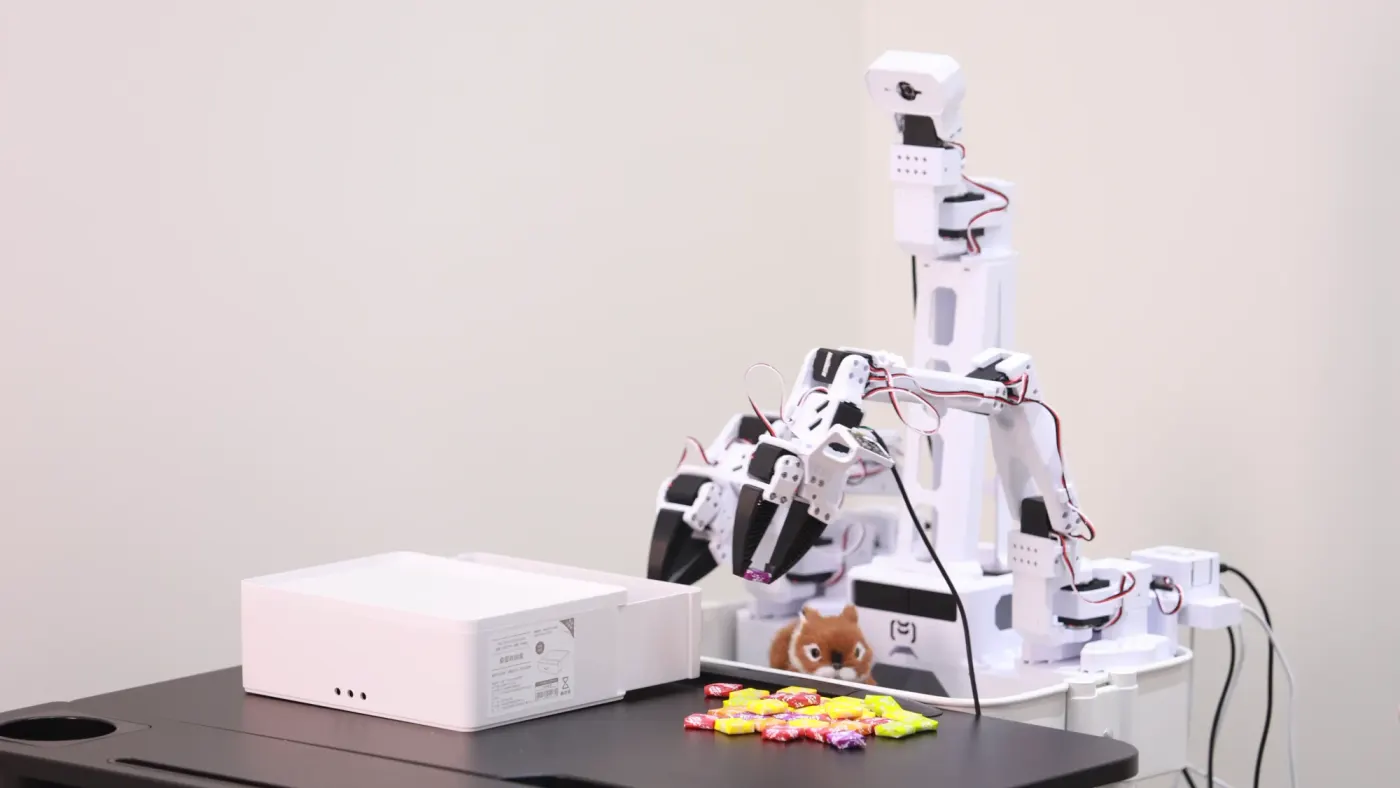
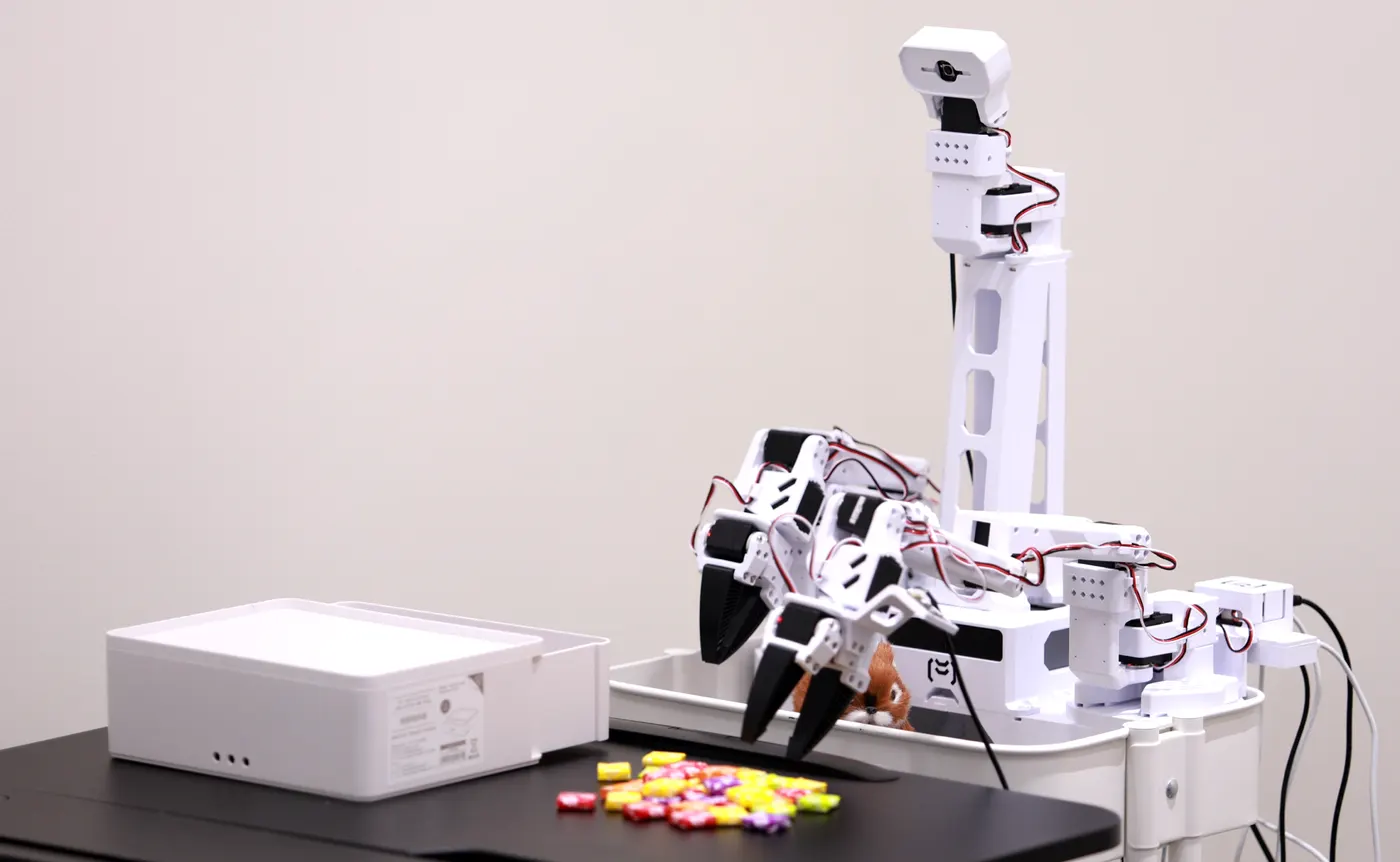
XLeRobot — the form Anvil is aiming for (image from the web).
Anvil is a dual-arm mobile robot I’m building from individual motors and printed parts, based on the open-source XLeRobot project. 3D printing, mechanical assembly, motor setup, the Linux environment, and teleoperation — I did every stage myself. All four arms are assembled and teleoperating; the next step is making it move.
The build and its problems in about two minutes. The photos and clips are my own (the first image is an XLeRobot target photo from the web, and the second-to-last clip is the official XLeRobot demo, Vector-Wangel/XLeRobot, Apache-2.0); the narration is an AI voice (Gemini TTS).
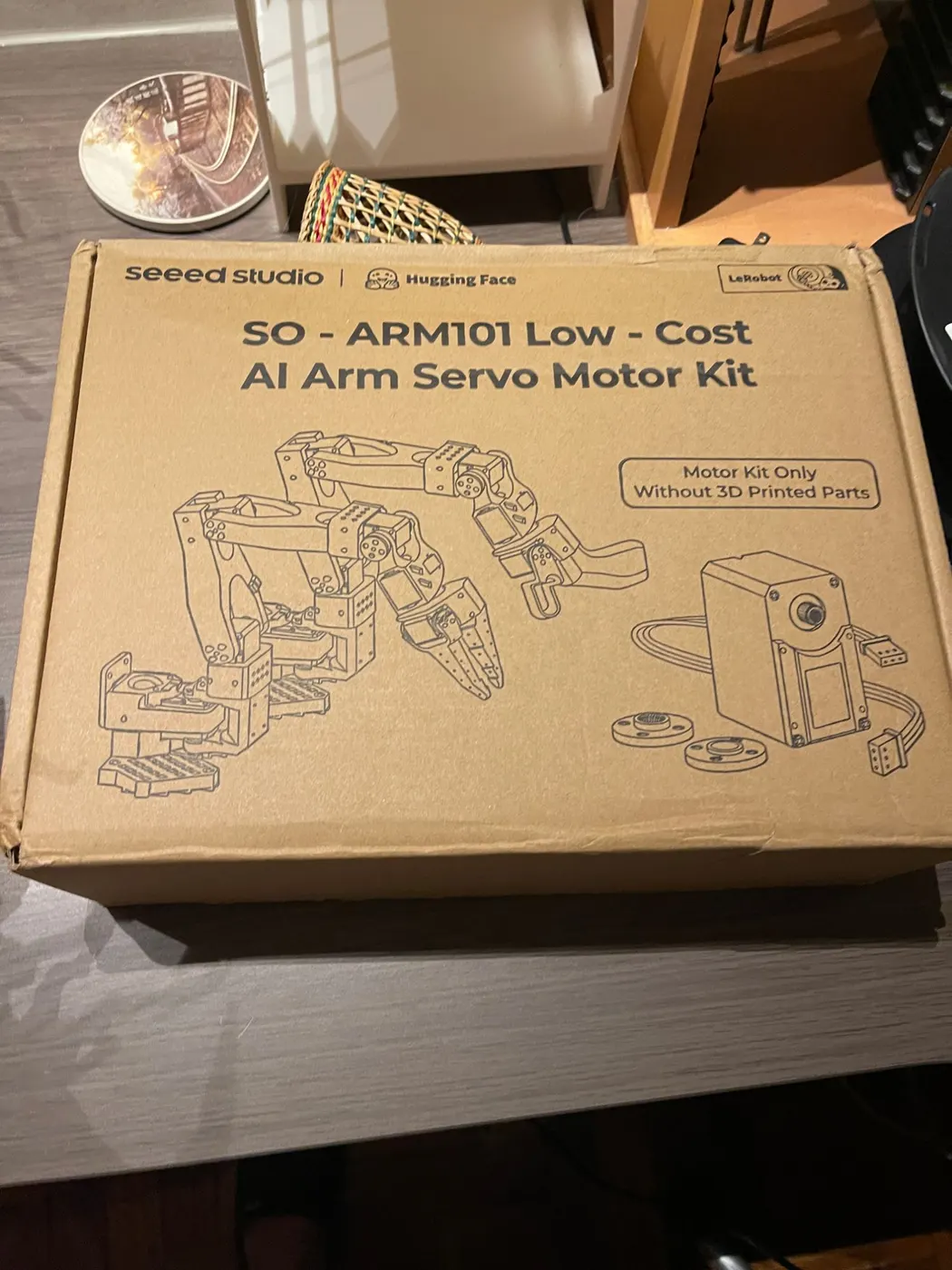
I came across XLeRobot in early January and quickly decided to build it: I ordered the SO-ARM101 motor kit and Feetech servos, and printed every structural part on my own 3D printer.
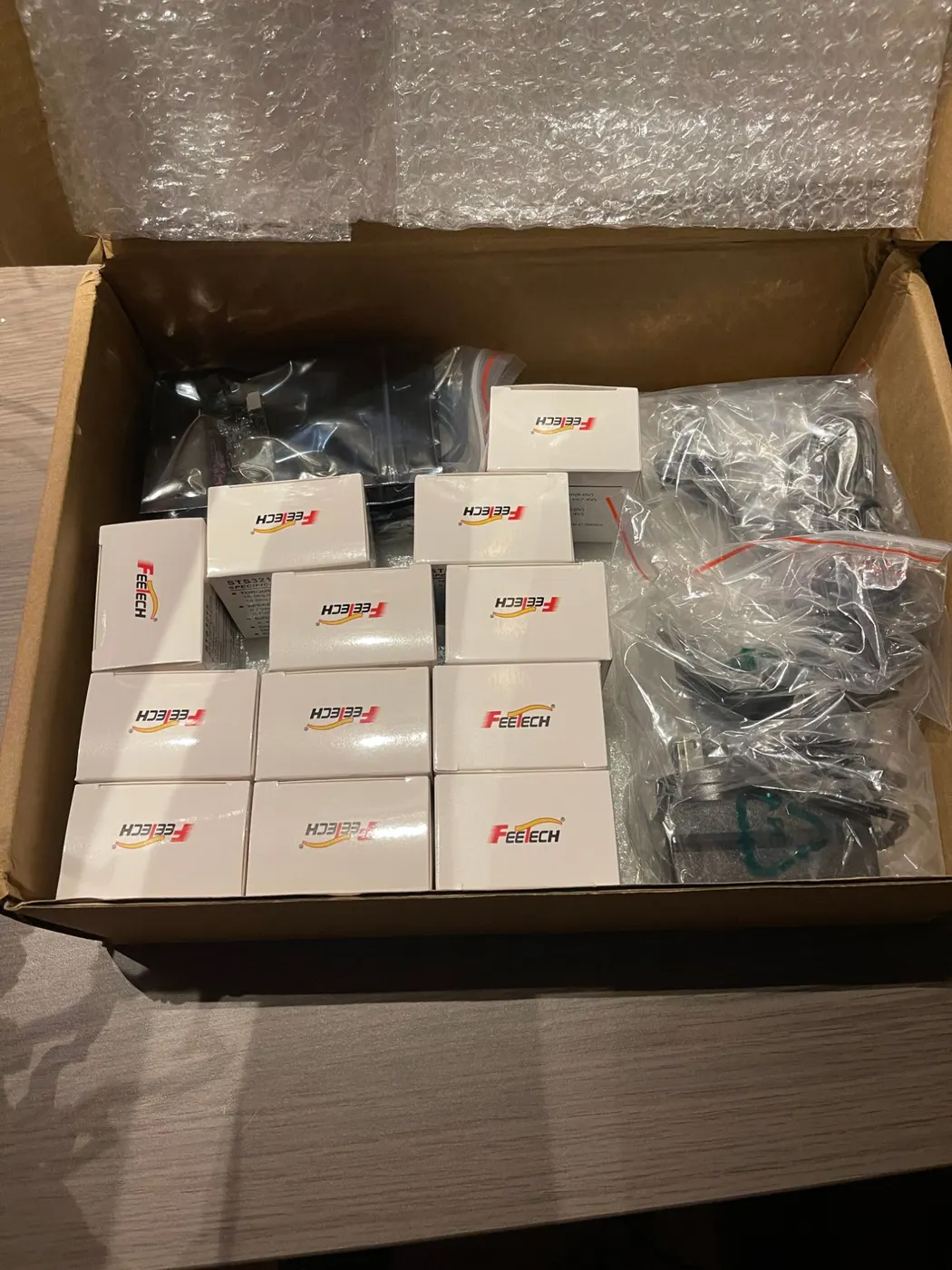
The SO-ARM101 kit and a stack of Feetech servos.
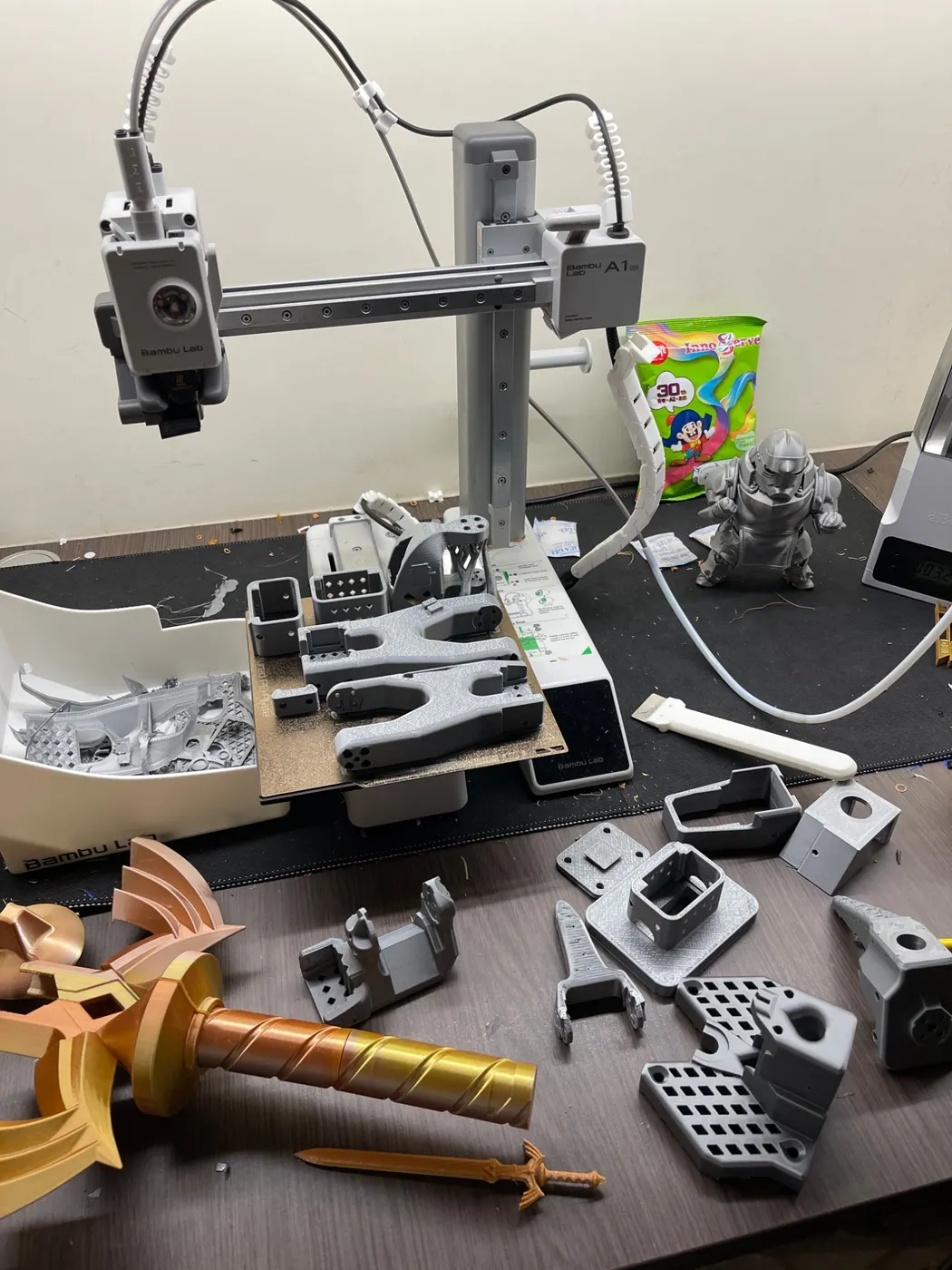
At one point I printed the older SO-ARM100 parts by mistake, so I reprinted the whole batch as SO-ARM101 — and now I check the version before every print. By late January the first pair of arms was assembled.
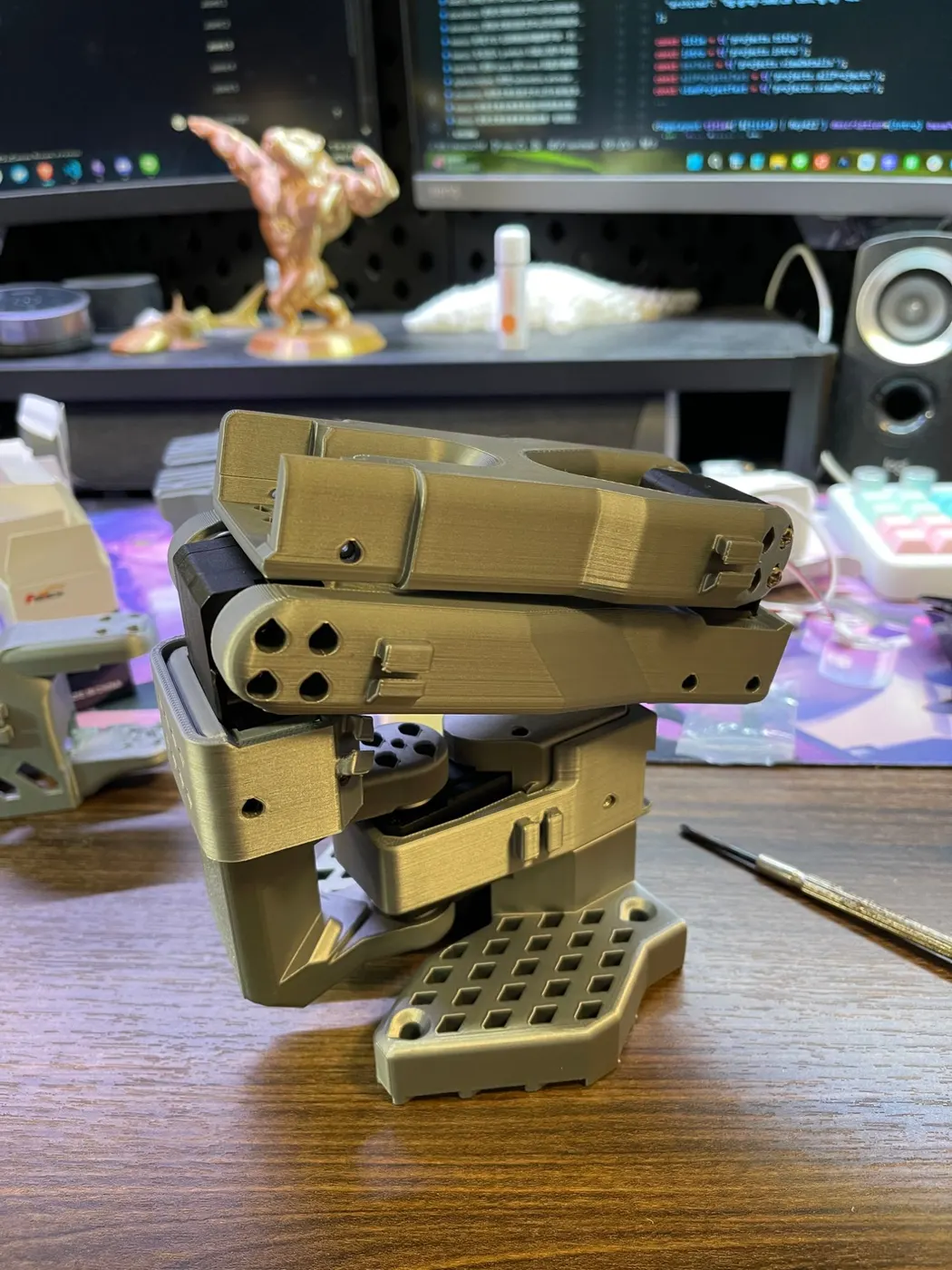
Self-printed SO-101 parts, and an assembled arm folded up.
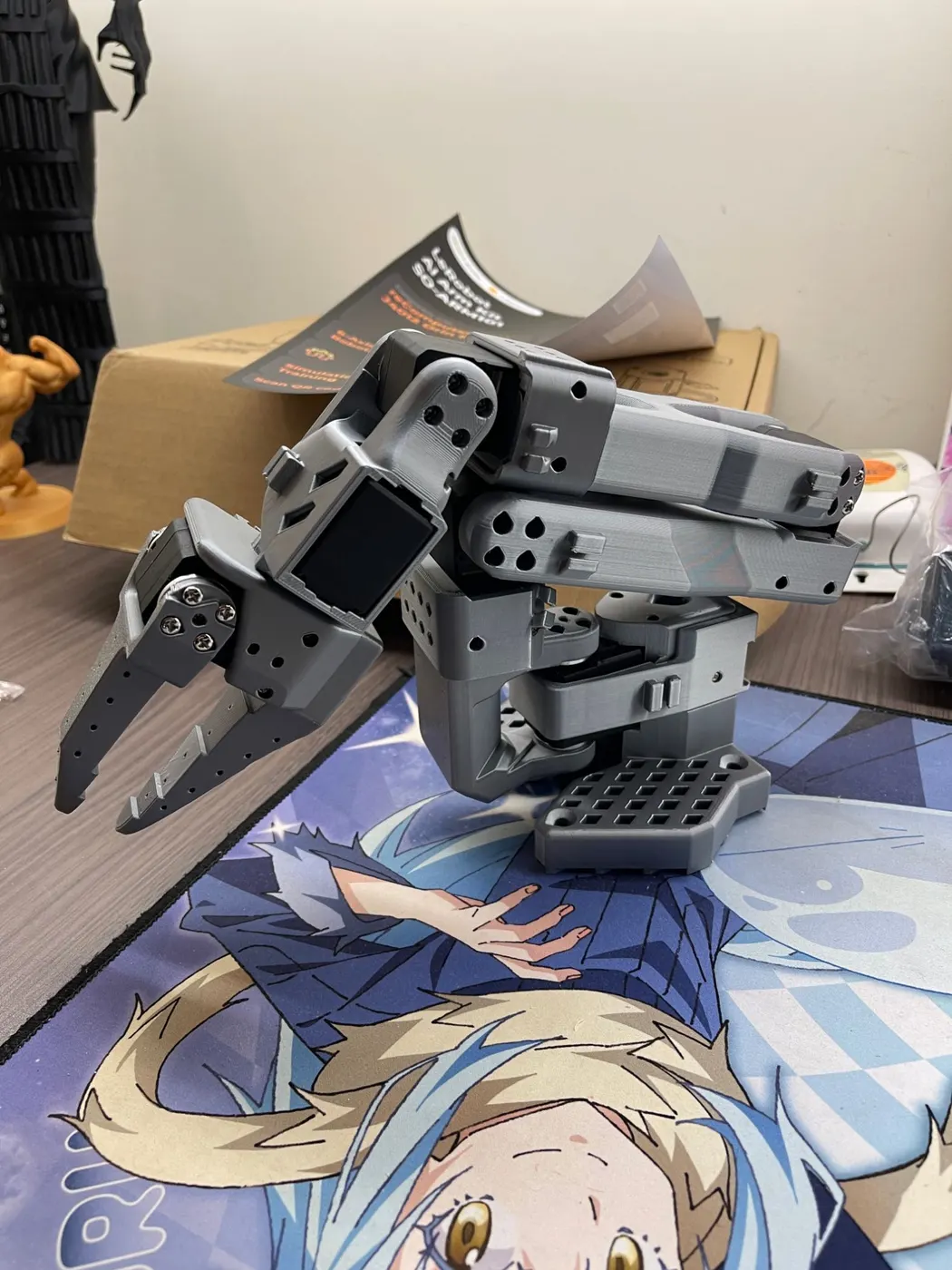
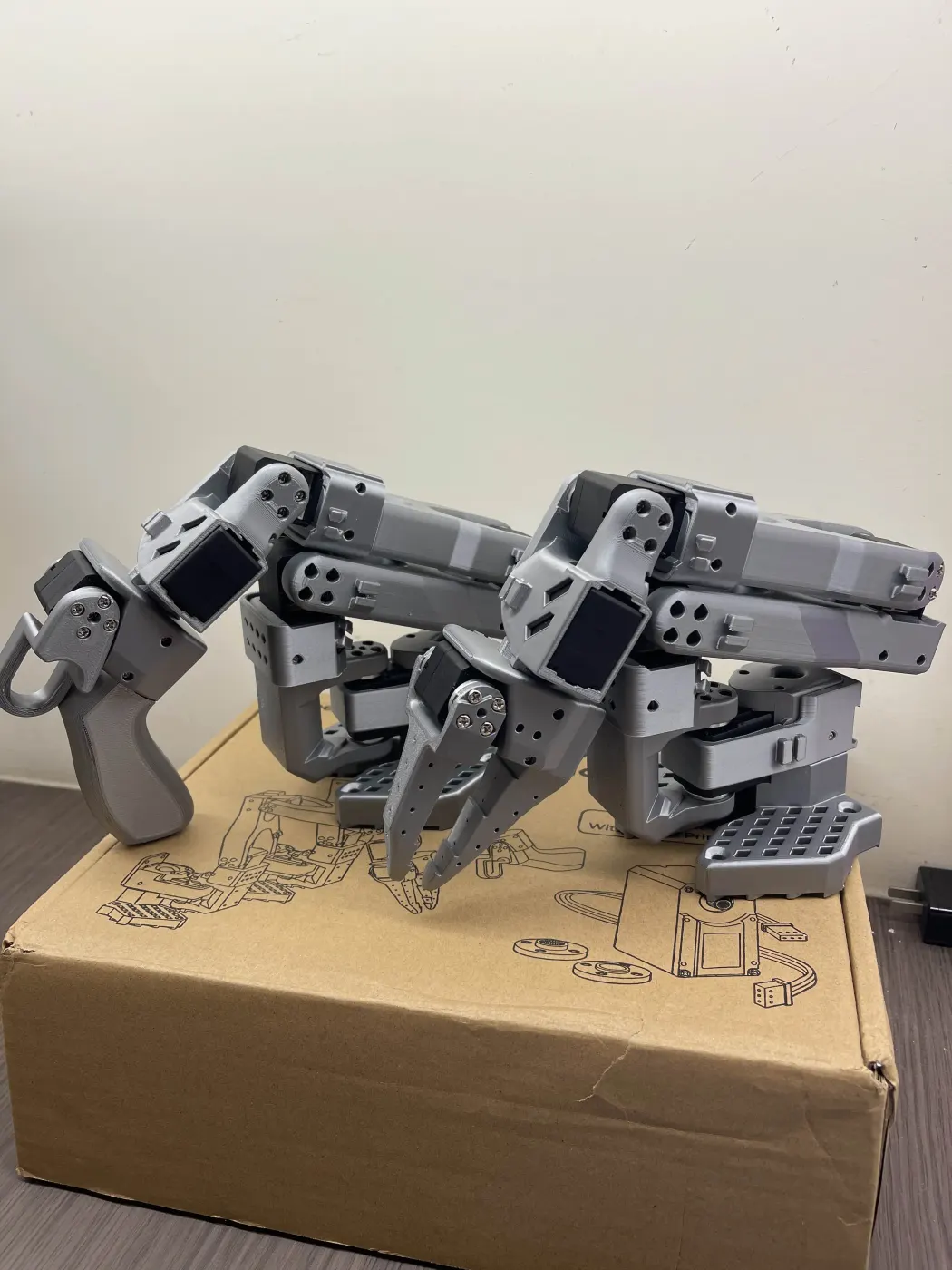
An arm extended, and the first leader/follower pair at the end of January.
Next came getting all 12 STS3215 motors to respond. In the spring I reworked the wiring so each motor’s ID could be written individually, set up the OS, SSH, and LeRobot on a Raspberry Pi 5, switched to fixed by-id serial paths, and wrote my own calibration script. In the end every motor had its ID and answered on the bus scan.
In mid-May teleoperation worked for the first time: I moved the leader arm by hand and the follower mirrored it in real time.
Teleoperation in mid-May: the follower tracks the leader in real time. Click a video to enlarge it and scrub the timeline.
A second leader/follower pair: XLeRobot takes shape#
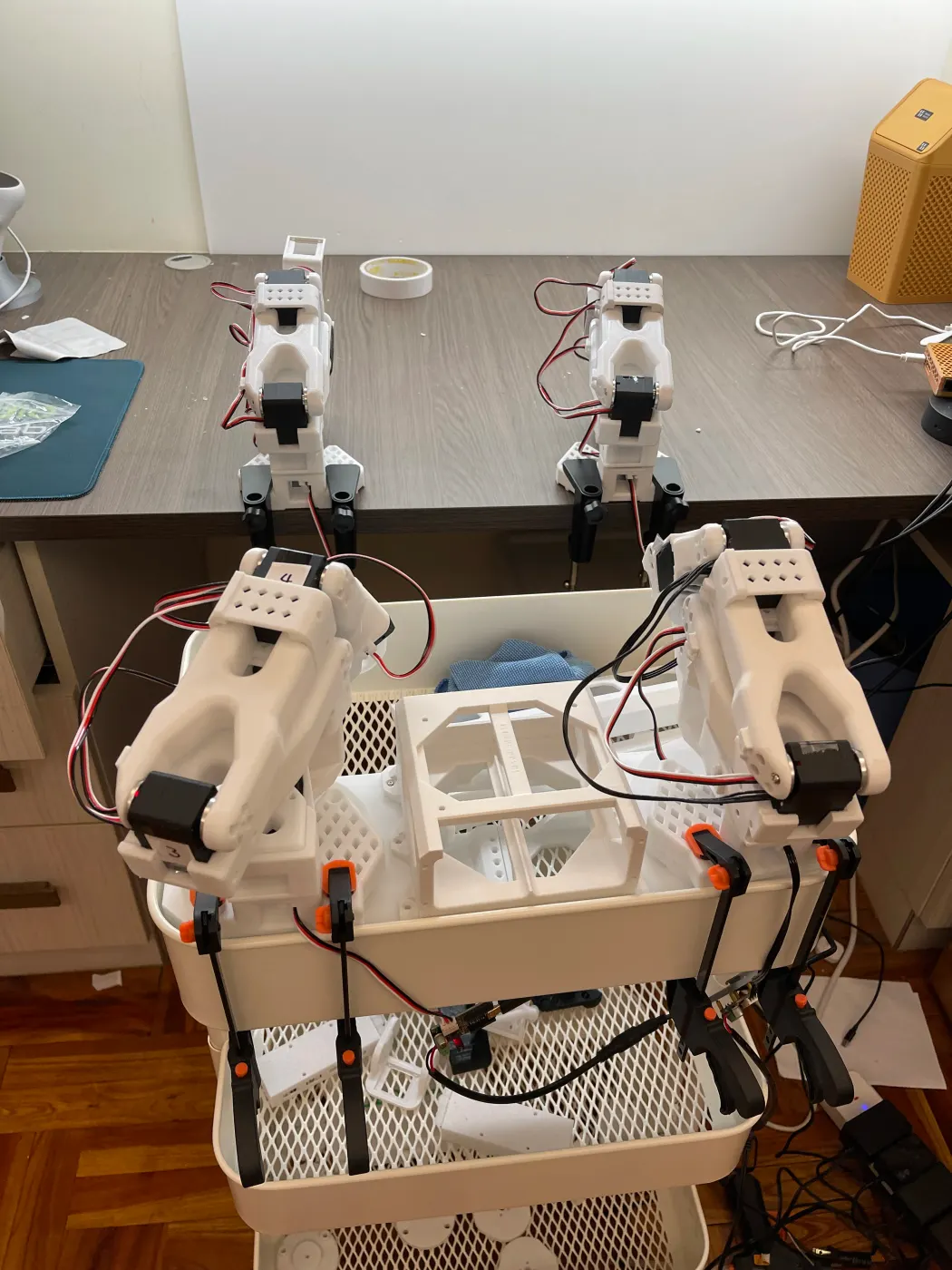
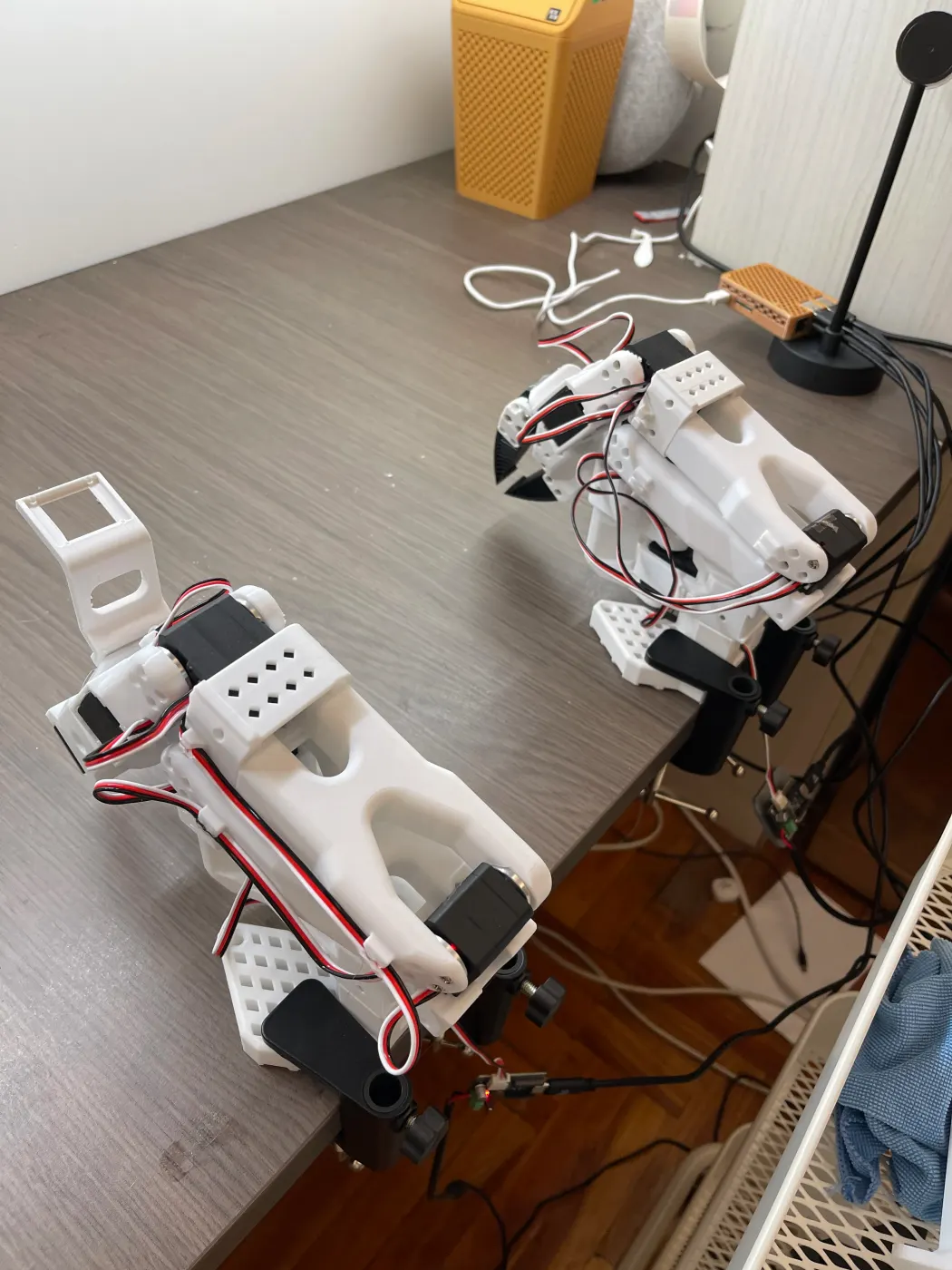
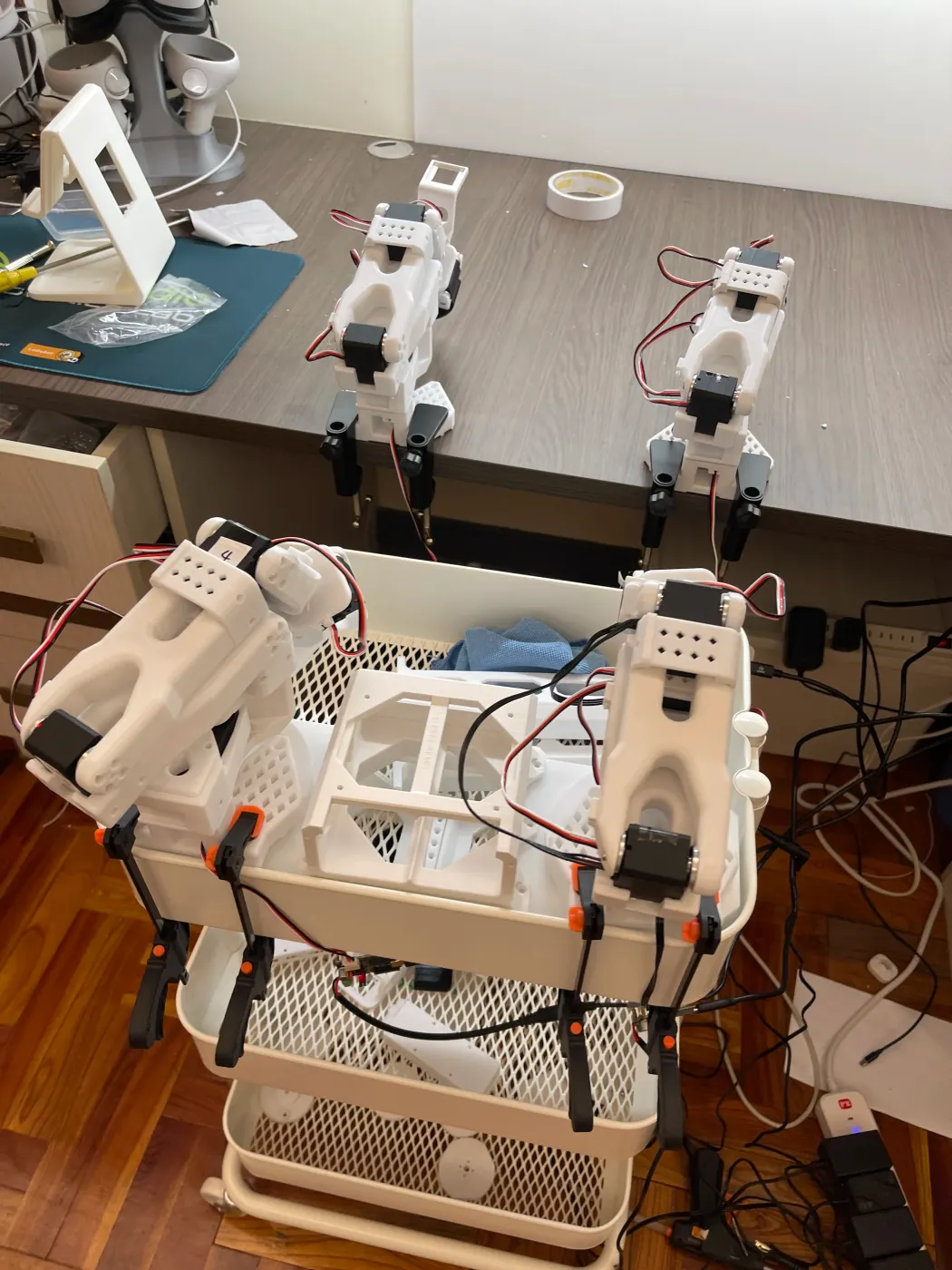
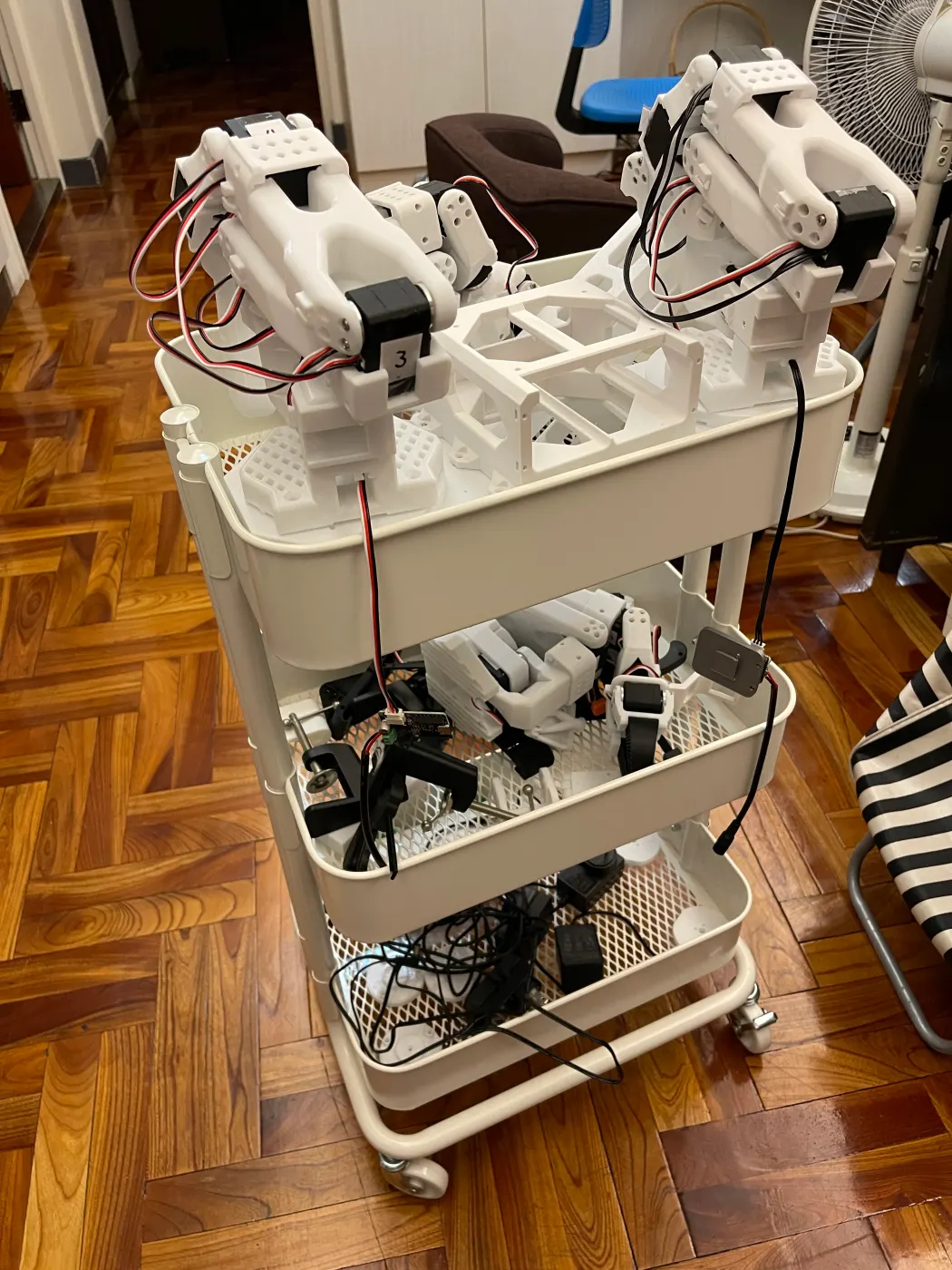
XLeRobot’s two arms are, at heart, two leader/follower pairs: a person moves the leader arm, and the follower arm on the robot mirrors it. At the end of May I added a second SO-ARM101 set, the LeKiwi base kit, and a 16GB Pi. With the first pair behind me, the second went much faster. By the end of June both leader/follower pairs were assembled and calibrated, and the arms went up on the cart — the first rough shape of XLeRobot.
With both pairs online, problems showed up together. My approach was to isolate one segment at a time and change one variable at a time:
Intermittent bus scans: narrowing things down with scan_port turned up a bent connector pin on one motor and an extension cable that may have been reversed. After fixing both, the bus was stable, and a slow demo with capped motion let me verify movement safely.
Input voltage error: a second-hand board and motor set reported voltage errors. A different power supply gave clean scans every time, and I overwrote all the old IDs.
Leader arm not found: fixed by checking the 5V supply and connectors. This also pinned down a key spec: the leader arms use 7.4V motors on 5V and must never be connected to 12V, and gear ratios differ by joint.
A joint stuck at a fixed value, uneven feel: I recalibrated the elbow, compared how each leader→follower pair tracked, and tuned max_relative_target. Occasional packet errors are handled with retries and staggered motor startup.
Another angle, and the two arms on the cart with power and cables below.
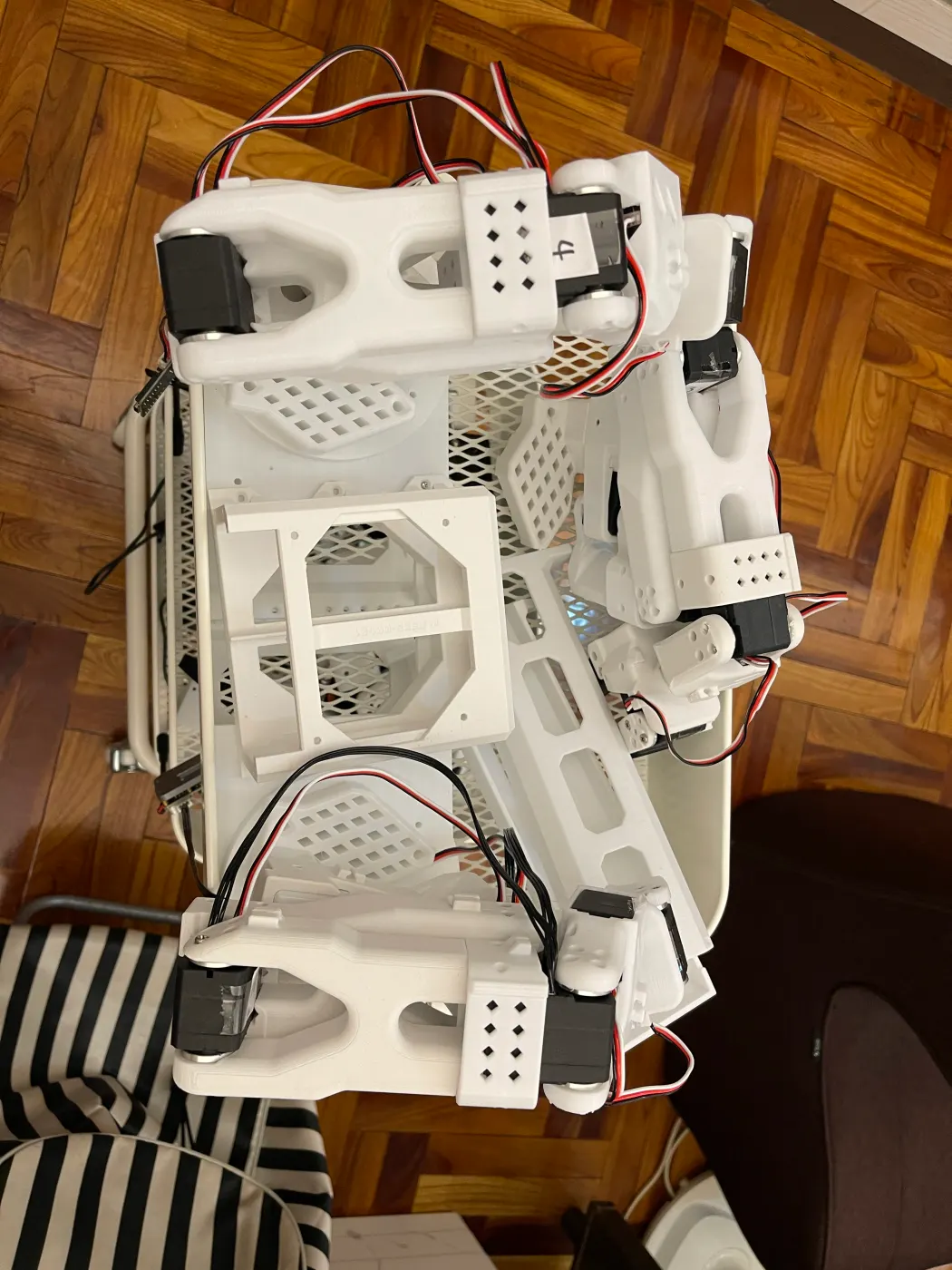
In September I organized and backed up the full set of 3D model files and added a neck mount, printed from the MakerMods files, to the cart’s top shelf. Next:
Assemble the LeKiwi mobile base.
Sort out power for the whole robot.
Mount both arms on the cart and base so Anvil becomes a dual-arm robot that can move.
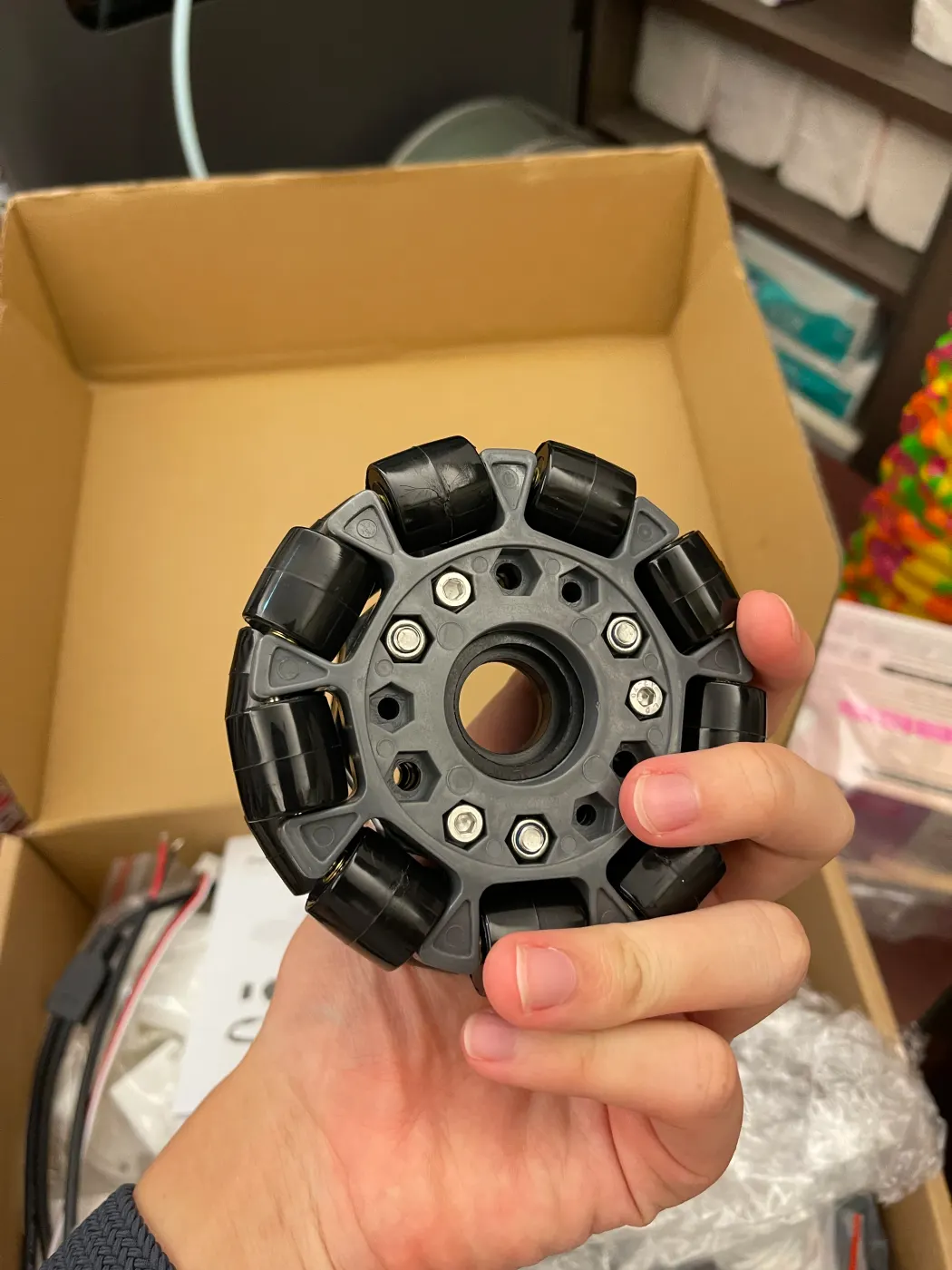
The cart's top shelf with the printed neck mount; on the right, a LeKiwi omni wheel for the base I'm building next.
The XLeRobot team has already shown what this platform can do in a real home: cleaning a bathroom by teleoperation, and fetching a drink from the fridge and filling a cup with ice autonomously with RL. That’s what I want Anvil to be able to do.
The improved XLeRobot has also left the lab: it’s in school classrooms and at Physical AI hackathons, where students and participants teleoperate it and record data directly. That’s what I want Anvil to be too — a robot people actually get to use.
The three videos below come from the “See it in action” section of MakerMods’ XLeRobot product page. They show the MakerMods version, not official footage from the original XLeRobot author.
Left: a classroom deployment at Alpha School; right: the Physical AI hackathon at Founders Inc in San Francisco (source: MakerMods XLeRobot product page).
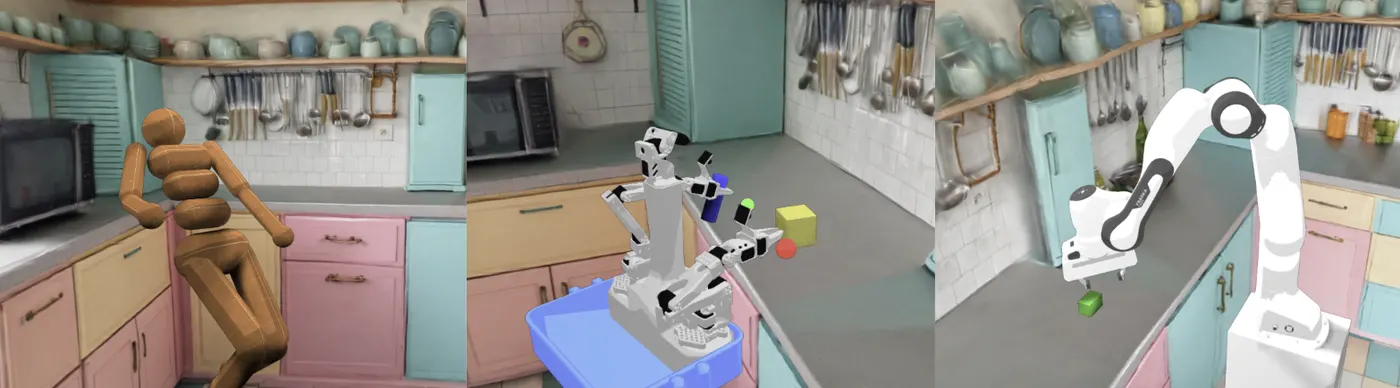
Beyond the hardware, XLeRobot has a web simulator you can drive right in the browser (MuJoCo plus 3D Gaussian Splatting scenes). I want to practice tasks and record data in simulation first, then move to the real robot, working toward RL and VLA-based autonomy.
The XLeRobot web simulator (source: XLeRobot).
The assembled MakerMods version is Anvil’s mechanical target: both arms, the neck camera, the base, and the quick-release mounts all integrated on the cart.
An open-source household dual-arm mobile robot started by Gaotian (Vector) Wang at Rice University. Two SO-100/SO-101 arms sit on an IKEA cart and a LeKiwi-style omnidirectional base for about $660 in parts. It supports keyboard, gamepad, Joy-Con, and VR teleoperation, and comes with ManiSkill/MuJoCo simulation.
MakerMods’ mechanical improvements to XLeRobot, including a two-piece neck, new arm mounts, independent wheel modules, and quick-release mounts for the USB hub, driver board, and power bank. All of Anvil’s printed parts come from this version.